Puzzle · iOS · Free
App Icon

Slice

Fraction Puzzles

7 Chapters. 23 Levels. One Circle.

iOS Math Puzzle Ages 6+
½ ¼
Coming soon on the App Store
7 Chapters 23 Levels 5 Difficulty Tiers
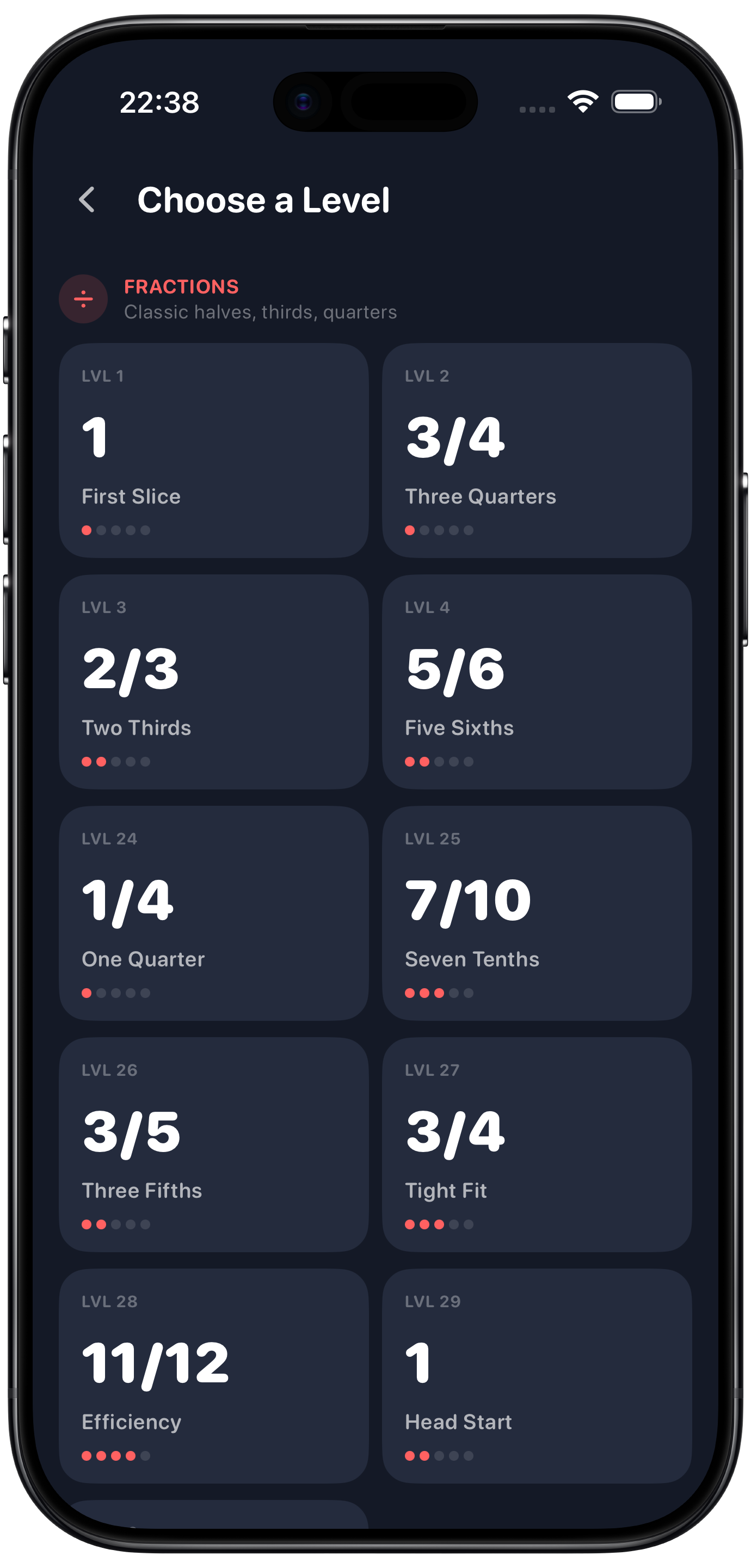
Level Select
Gameplay
Level Complete

One Mechanic. Seven Worlds.

Tap pieces to fill the pie — the same puzzle in five different mathematical languages

Pie Circle Mechanic

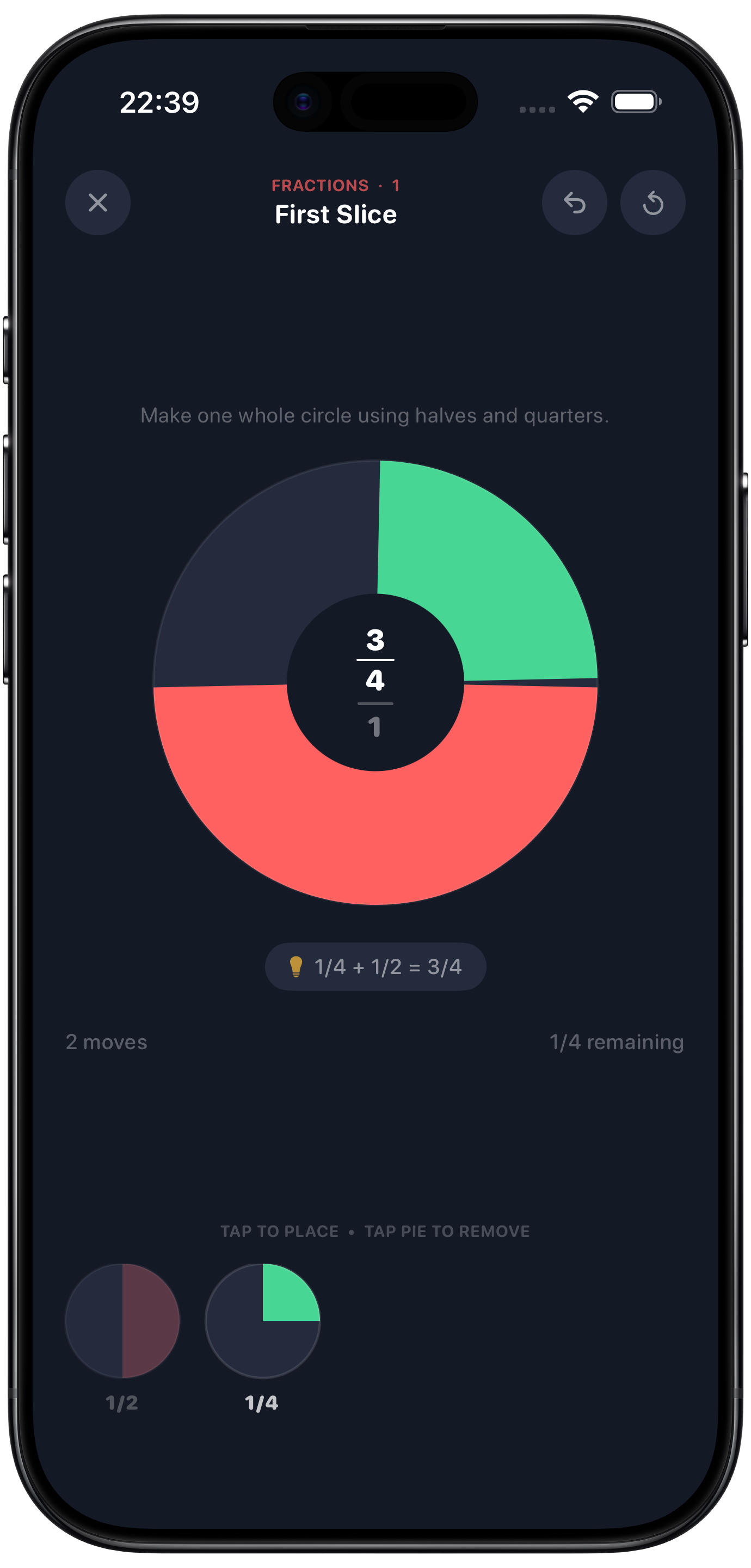
Tap tray pieces to snap coloured wedges into a circle. The wedge size makes every fraction immediately visible — no abstract number-line required.

7 Math Domains

Fractions, eighths, decimals, percentages, angles, clock time, and mixed — each chapter labels the same pieces differently to build deep understanding.

Colour = Value

A coral wedge is always ½ — whether it says ½, 0.5, 50%, 180° or 30 min. The colour encodes the truth; the label is just notation.

23 Handcrafted Levels

Every level is carefully designed with known solutions, deliberate traps, and a specific teaching moment — from 1-star beginner to 5-star expert.

Ages 6 to 60+

Early levels introduce halves and quarters to young children. Later levels challenge adults with cross-domain reasoning and no guessing.

The Big Reveal

Chapter 7 brings all domains together. When you see that ½, 0.5, 50%, 180° and 30 min are literally the same wedge — the game clicks.

7 Chapters

Same rational values — seven different mathematical languages

Chapter 1
Fractions
½ ¼ ⅓
Classic halves, thirds and quarters. The foundation for everything else.
Chapter 2
Eighths
⅛ 1/12
Finer divisions. First traps. Requires planning before placing.
Chapter 3
Decimals
0.5 0.25
Same values, decimal labels. The wedges haven't changed.
Chapter 4
Percentages
50% 25%
Percentages as pie slices — undeniable visual proof.
Chapter 5
Angles
90° 180°
Degrees of arc — 90° is literally a quarter-circle wedge.
Chapter 6
Clock Time
30 min
Minutes of an hour. The circle is a clock face.
Chapter 7 — The Finale
Mixed
½ = 0.5 = 50% = 180° = 30 min
All five notation systems in one tray. Place any coral wedge and any mint wedge — the maths doesn't care what you call it.

See It in Action

Dark, precise, beautifully colourful

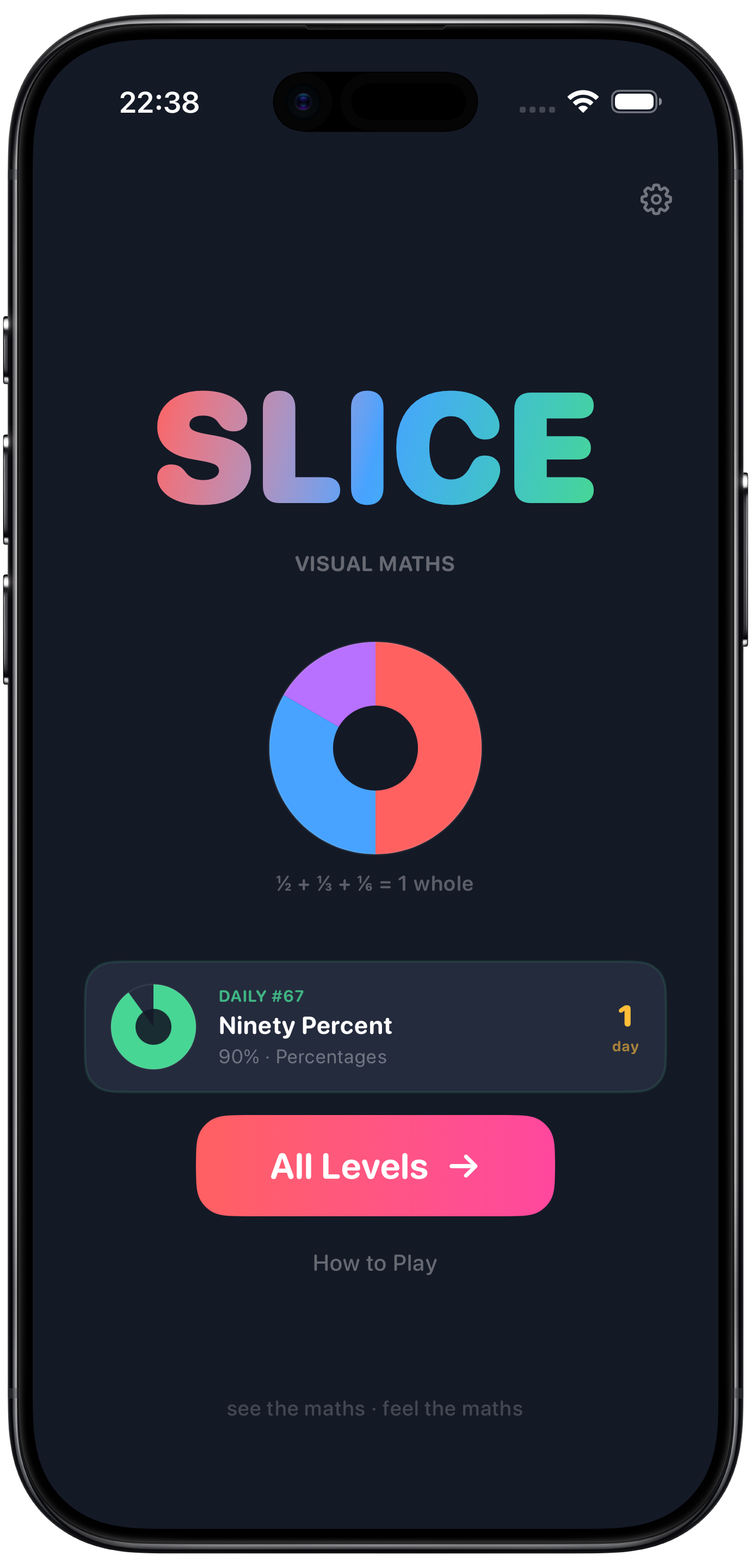
Home Screen
Home
Level Select
Level Select
Gameplay
Gameplay
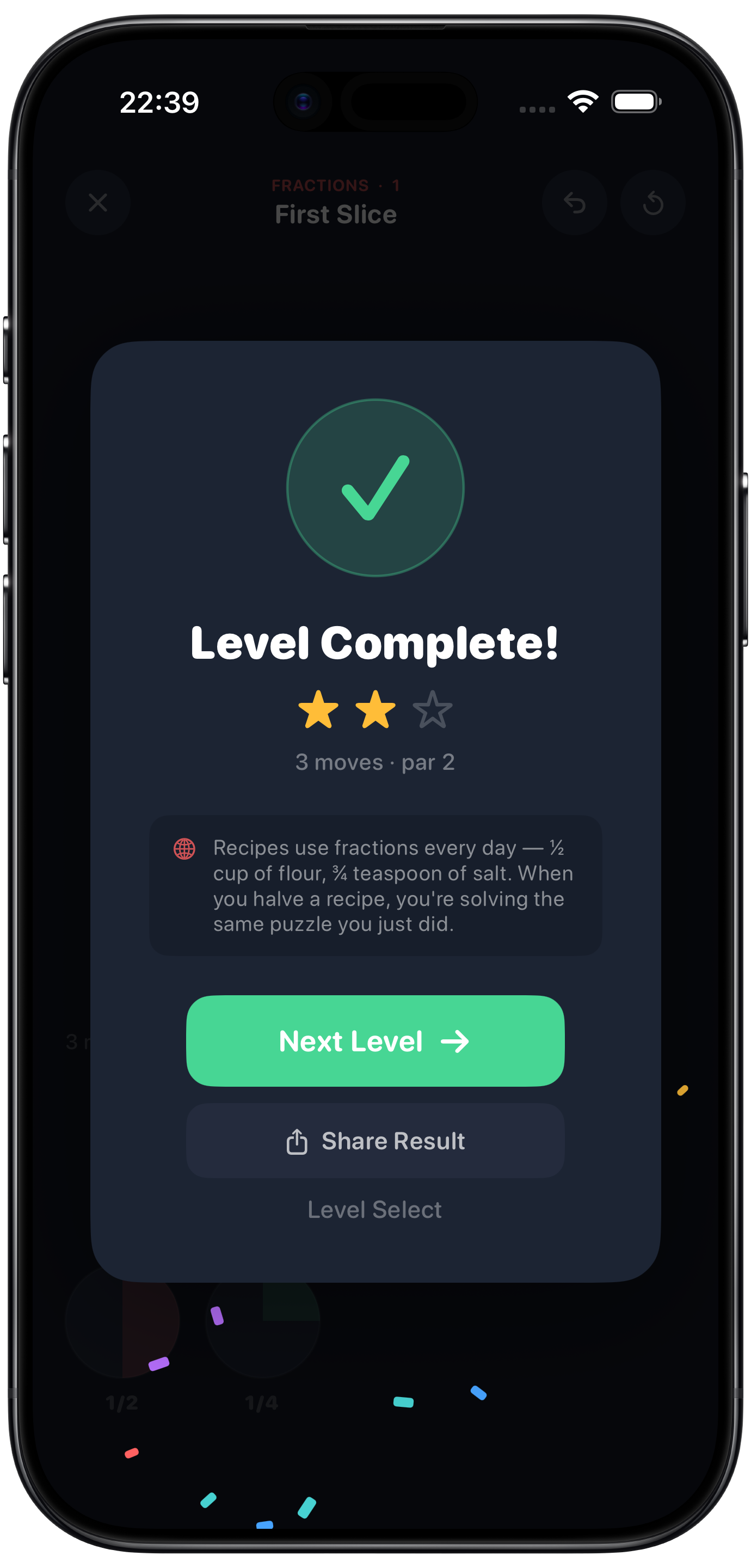
Level Complete
Win Screen
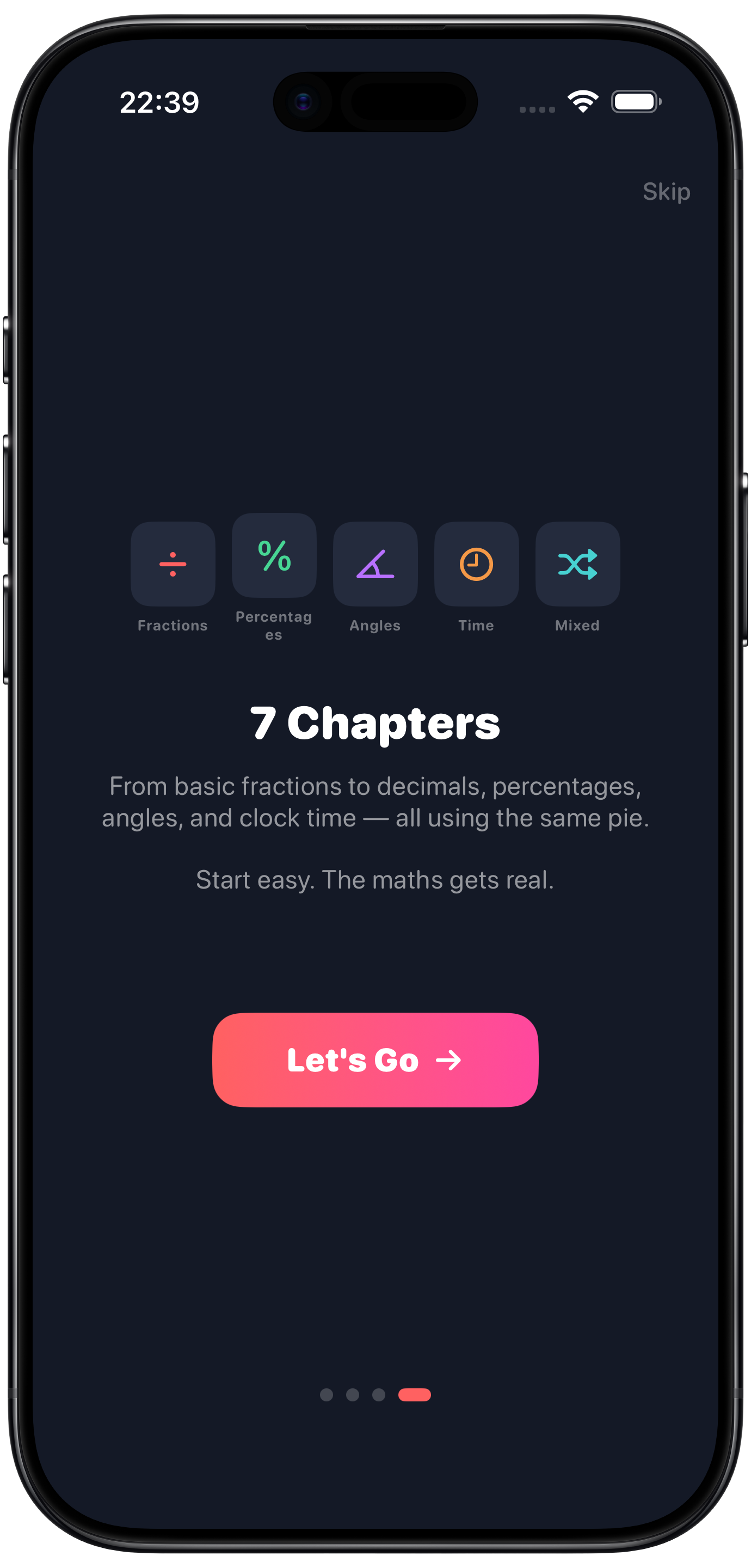
Onboarding
Onboarding

How to Play

Simple to learn — as deep as you want to go

1

See the Target

The donut centre shows your goal — a fraction, decimal, percentage, angle or time. A faint wedge on the pie shows exactly how much to fill.

2

Tap to Place Pieces

Tap tray pieces to snap coloured wedges into the pie. Each piece is proportional to its value — halves are always bigger than quarters.

3

Hit the Target Exactly

The donut tracks your running total in real time. Overfill and the pie flashes — remove a piece and try a different combination.

See Maths Differently

Free to download. No ads. Just the puzzle.

Coming soon on the App Store